GenPresso: Generate and Edit Video Without Leaving the Screen
An AI video studio that puts model generation and timeline editing in the same project, so a cut never has to be exported to be finished. What it does, how to use it, and where it fits, in two minutes.
GenPresso is an AI production tool that generates images and video and then edits the result in the same place. The pitch is that you never leave the screen to finish a cut. Short-form drama teams use it to hold a character's face steady across episodes and to push the same edit out in whatever aspect ratio a channel wants. There is nothing to install; it runs in the browser.
The gap between generating and finishing
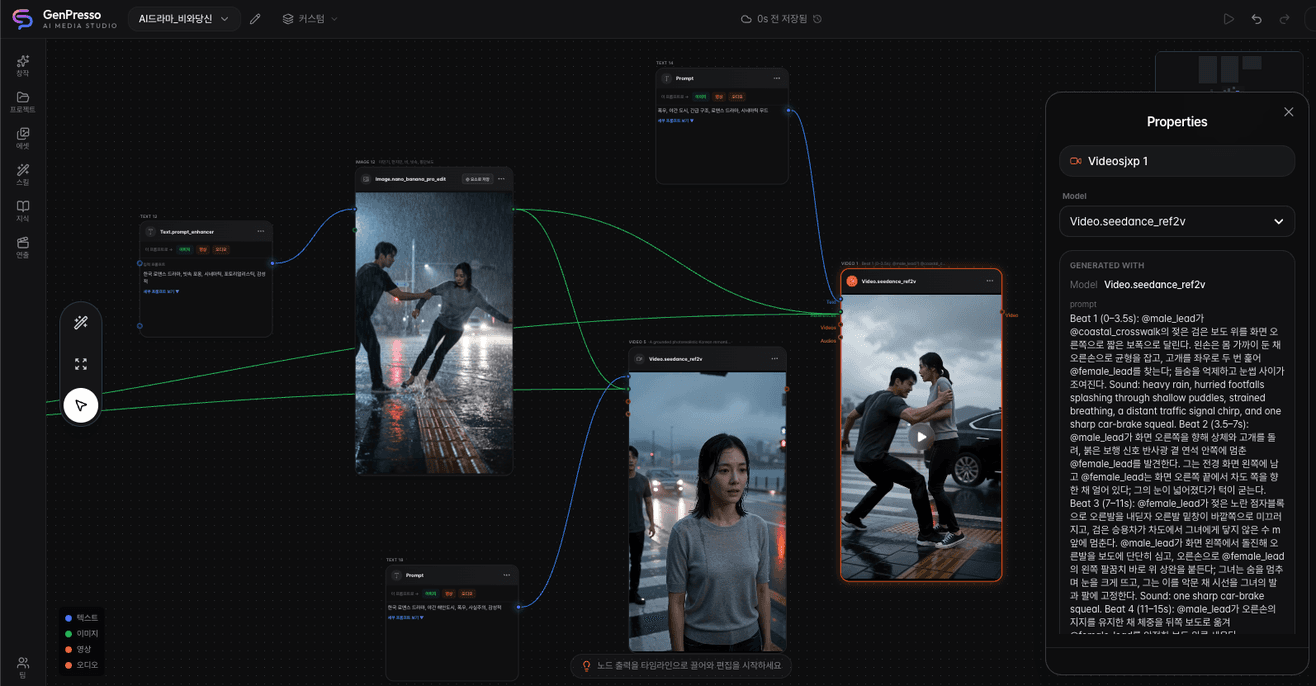
The core of it is the pipeline. AI video tools today fall into roughly three groups, and whichever one you pick, something is missing. Node-based tools let you design the generation flow however you like, then send you to a separate editor the moment you need a finished cut. Model aggregators make picking a model easy. What they lack is anything to hold one shot to the next, so the same character's face drifts from episode to episode. Video editors are strong at cutting and splicing and leave generation outside the door.
| Group | Strong at | What is missing |
|---|---|---|
| Node-based generation tools | Designing the generation flow | A separate editor for the finished cut |
| Model aggregators | Model selection | Anything holding shots consistent |
| Video editors | Cutting and splicing | Generation lives outside |
So you pull an image in one tool, re-upload it somewhere else to turn it into video, then open a third program to cut and splice. Downloading and moving files at every handoff, you lose track of which cut came from where.
GenPresso folds all three into one project. Build an image on the node canvas, wire it into video, and drag the cut you like straight down to the timeline. One account gets you current generation models like Seedance and Nano Banana, and everything you have made stays reachable inside the same project.
Build on the canvas, finish on the timeline
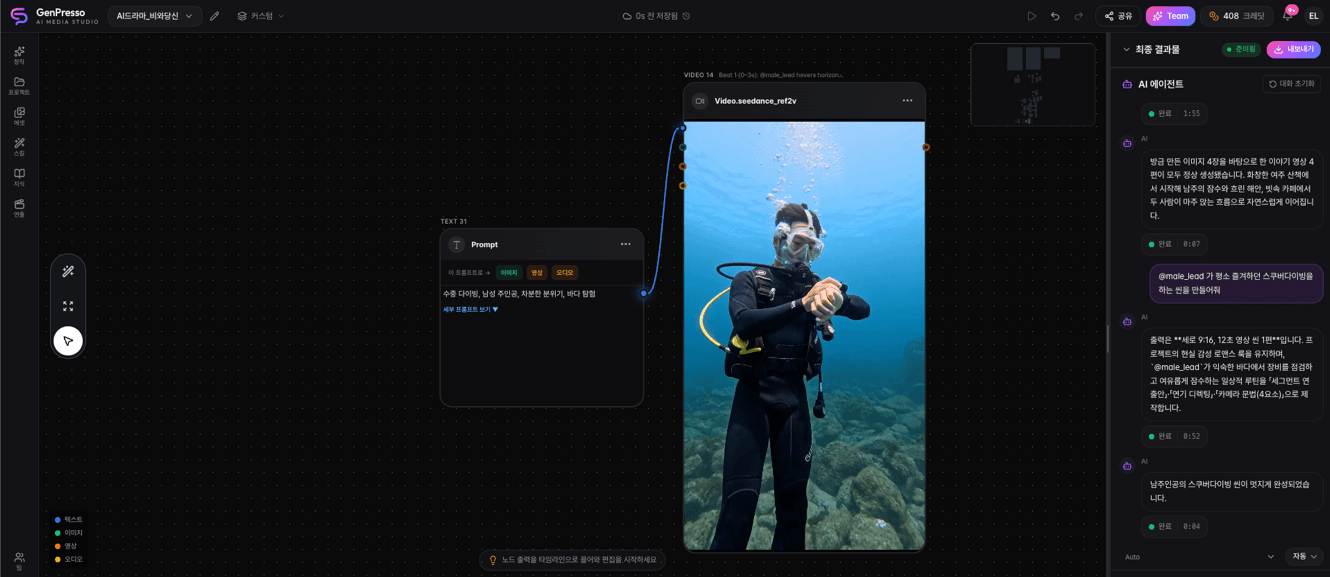
You start on the canvas. Prompt for a few images, pick the one you want, and wire it into a video generation node; because the nodes stay connected, tracing a cut back to the image it came from is easy later.
Characters and settings you plan to reuse get registered as @elements and recalled with @ in the next scene, which is what keeps the same face in the same clothes across cuts. Finding an earlier generation works the same way: instead of digging through filenames, search for what is in it, like "man with an umbrella on a night street."
Once enough cuts pile up, drag them down to the timeline. Trim, splice, lay in captions and sound, and export at 9:16 for shorts, 1:1 for feeds, or 16:9 for ads.
Who is using it
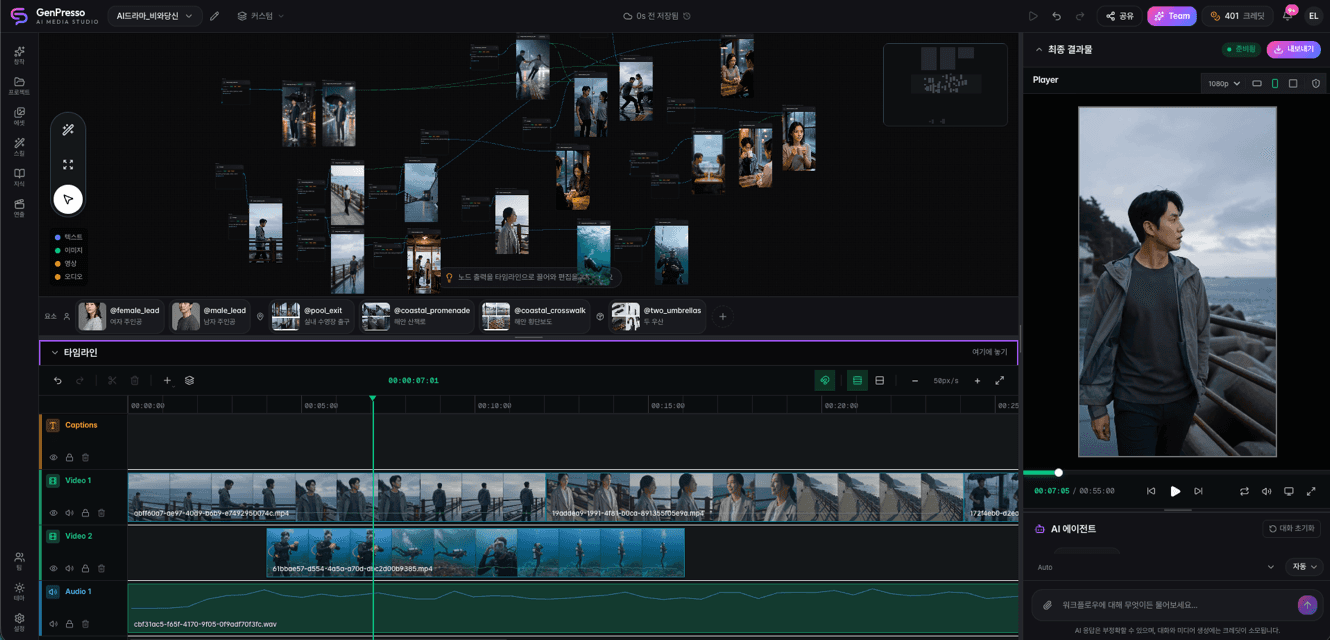
For creators making shorts and reels, it is a workbench that removes the tool switching. Generating, picking, editing, posting: a day's work finishes on one screen.
Teams stacking episodes of vertical short-form drama come for the character consistency, because the lead built in episode one still has the same face in episode ten. Real-time collaborative editing and an approval workflow make it workable when several people split the production. GS Retail made 128 videos for live commerce on GenPresso and cut production time by 95%.
What it costs
Subscriptions start at a starter plan in the single-digit dollars per month, and you can top up credits in Korean won and pay only for what you use. Credits are spent on generation, whether image or video. If you are new to it, the quickest way in is to prompt a few images on the canvas and wire them into video. One project is usually enough to show why the pipeline belongs on a single screen. Open Studio at genpresso.ai.
Read next
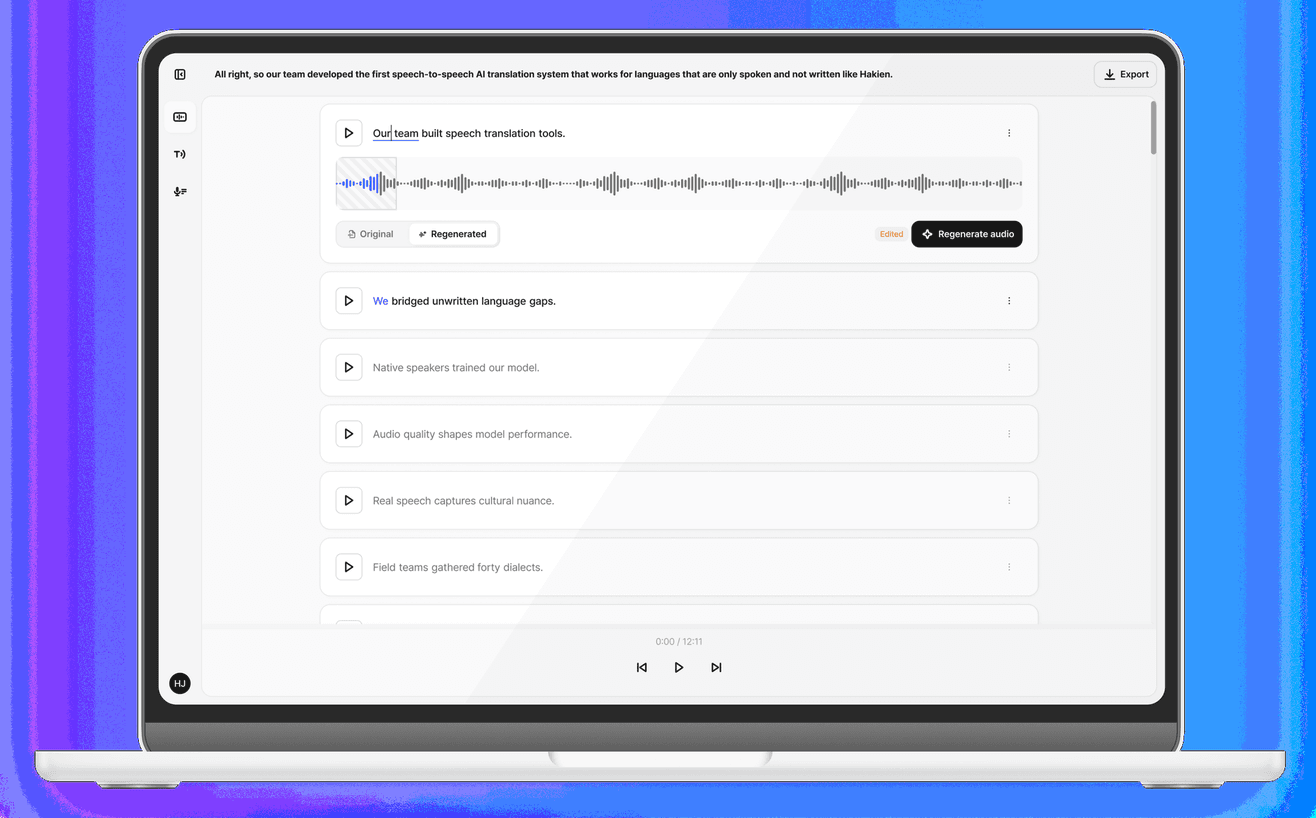
Gluent: Edit Your Voice the Way You Edit Text
An AI voice editor that rebuilds a line in your own voice once you fix the transcript. What it does, how to use it, and where it fits, in two minutes.
Moises: The AI Tool That Splits a Song Into Tracks
It pulls vocals and instruments apart from one file and reads the chords, tempo, and structure too. A two-minute look at what it is, how to use it, and where it fits.
DailyDaily 10/30: AI games gain a path from creation to commerce as Eros and Fikad build production infrastructure
Xsolla acquired GamePix to connect AI-created games with browser distribution and global payments. Korean startup Fikad launched an agent that plans and produces short videos from a line of text and source materials. Eros Innovation is combining rights-controlled cultural data, digital humans, and real-time production for film, immersive entertainment, and games.