Moises: The AI Tool That Splits a Song Into Tracks
It pulls vocals and instruments apart from one file and reads the chords, tempo, and structure too. A two-minute look at what it is, how to use it, and where it fits.
Moises takes any song and splits it into separate tracks, then reads the chords, tempo, and structure on top. Players use it to practice, producers to remix, and educators to build lessons. It runs on the web, desktop, iPhone, iPad, and Android.
What it does
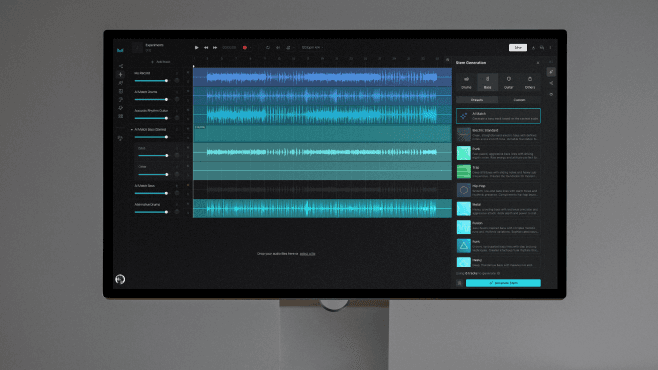
The core is stem separation. It breaks one finished track into vocals, drums, bass, guitar, and keys. Higher tiers go finer, splitting lead from backing vocals, kick from snare, and pulling out strings, winds, and piano on their own. An analysis layer sits on top: Moises reads the key and BPM, maps the chord progression and sections like verse and chorus, and transcribes the lyrics. It turns audio you can only hear into something close to a score. It handles video audio too, separating dialogue, music, and effects.
How to use it

The flow is simple. Upload a file, choose the tracks to isolate, and wait a moment for the result. You can paste a YouTube link or record straight into the app instead. Each track has its own mute, solo, volume, and pan, so a vocal-free backing track or a drums-only practice mix is one tap away. Hi-fi separation exports lossless 48kHz WAV, keeping the original fidelity. A speed and pitch changer slows a song down or drops the key, and the smart metronome locks onto tracks even when a live recording's tempo drifts. Higher tiers add a VST plugin that drops the separation engine inside a DAW, so you pull stems without leaving your session.
Where it fits

For a player it is a practice tool: build a backing track and play over it, loop a hard passage slowly, and use capo mode to reshape chords. For a producer it is a source library: lift stems from an existing track to remix, use AI Studio to generate a missing part, and Voice Studio to lay a different vocal timbre on top. AI mastering finishes a mix against a reference track you upload. Educators use the chord and section analysis as teaching material, playing students a backing track to sing over or slowing a riff to drill. Video editors split dialogue from music and effects for post, and creators making karaoke tracks or cover-video sources reach for the same tools.
Getting started

The free plan covers basic separation and short uploads to try first. Finer splits, lossless export, mastering, and the VST come with the Premium or Pro plans. Output quality tracks the source: the cleaner the file, the cleaner the split. Whatever you are after, the start is the same. Drop in one song and pull out only the tracks you need.
Read next
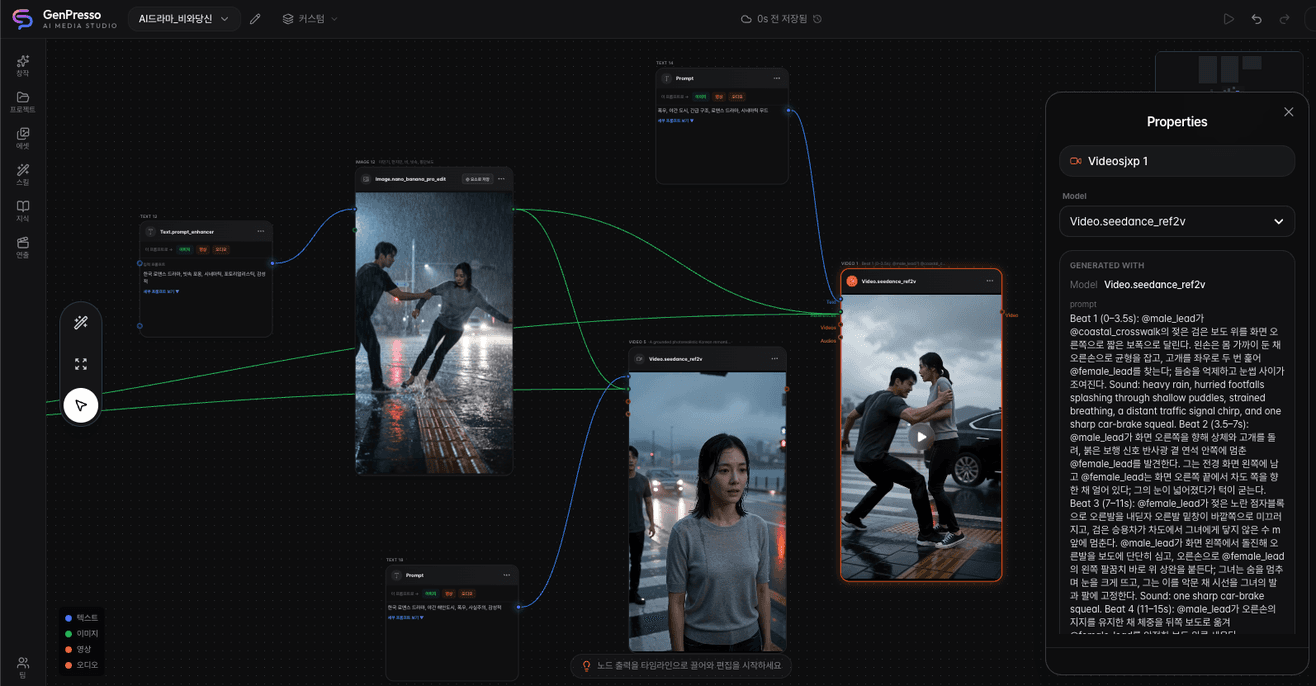
GenPresso: Generate and Edit Video Without Leaving the Screen
An AI video studio that puts model generation and timeline editing in the same project, so a cut never has to be exported to be finished. What it does, how to use it, and where it fits, in two minutes.
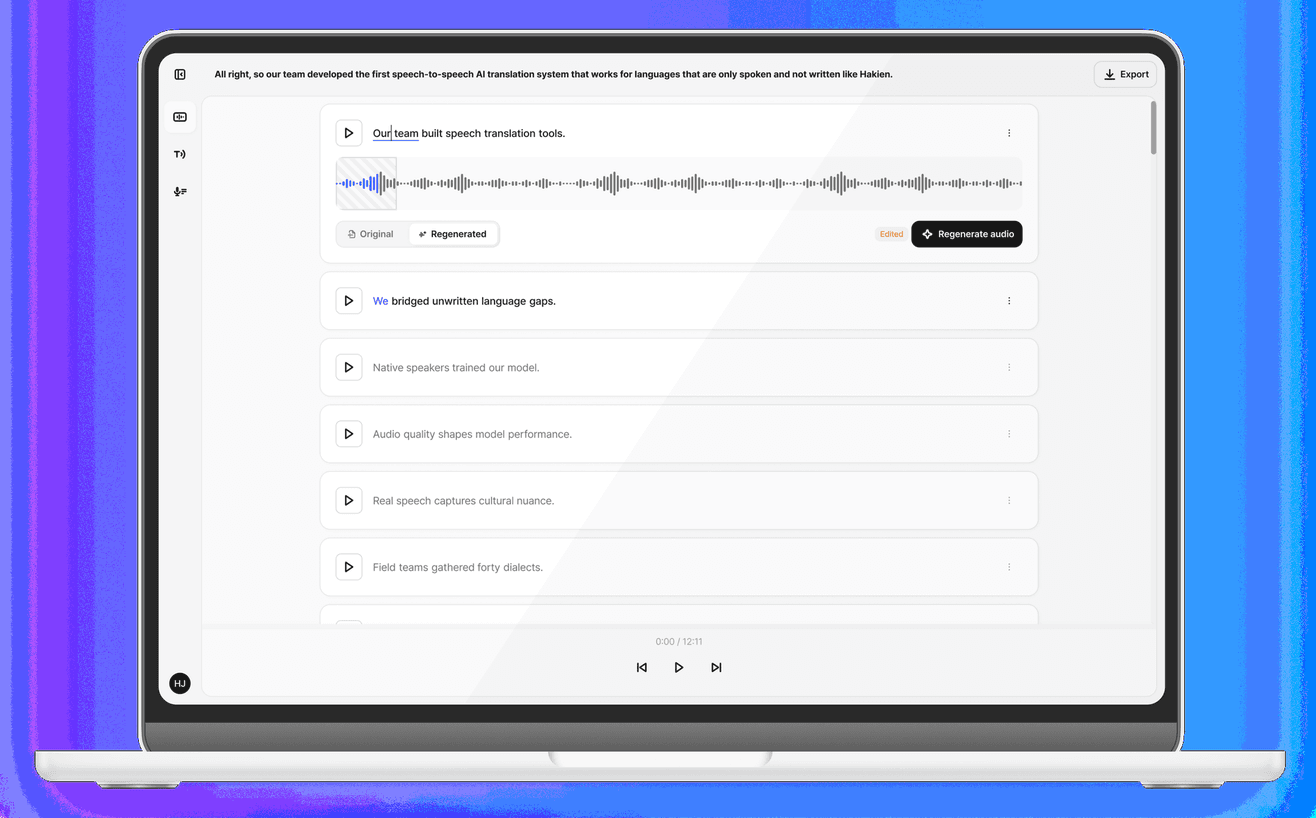
Gluent: Edit Your Voice the Way You Edit Text
An AI voice editor that rebuilds a line in your own voice once you fix the transcript. What it does, how to use it, and where it fits, in two minutes.
DailyDaily 10/30: AI games gain a path from creation to commerce as Eros and Fikad build production infrastructure
Xsolla acquired GamePix to connect AI-created games with browser distribution and global payments. Korean startup Fikad launched an agent that plans and produces short videos from a line of text and source materials. Eros Innovation is combining rights-controlled cultural data, digital humans, and real-time production for film, immersive entertainment, and games.