Gluent: Edit Your Voice the Way You Edit Text
An AI voice editor that rebuilds a line in your own voice once you fix the transcript. What it does, how to use it, and where it fits, in two minutes.
Gluent is an AI voice editing tool: drop in a recording, fix the text, and it regenerates the line in the original voice. Creators use it to clean up mistakes without re-recording, studios to absorb script changes, and production companies to carry content into another language. It runs in the browser, with nothing to install.
What it does
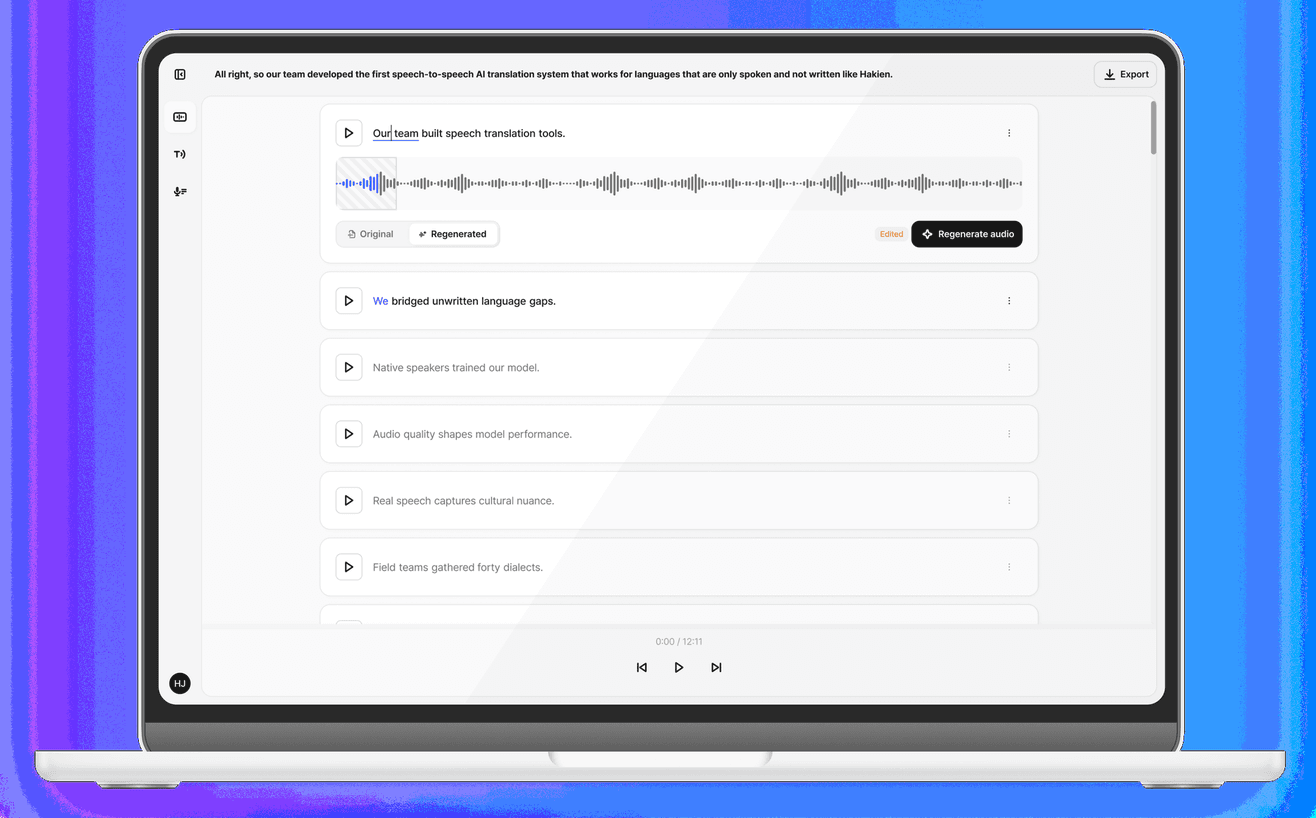
The core of it is voice editing. Where a conventional audio editor stops at cutting and splicing waveforms, Gluent swaps the words themselves while keeping the nuance of the delivery. Upload a recording and the speech is transcribed; click a word, type a replacement, and that stretch is rebuilt with the speaker's timbre, intonation, and even the room's ambience intact. There is no voice data to upload and train first. Fix a mispronounced word, rewrite a line the script changed, or carry your own voice into another language.
How to use it
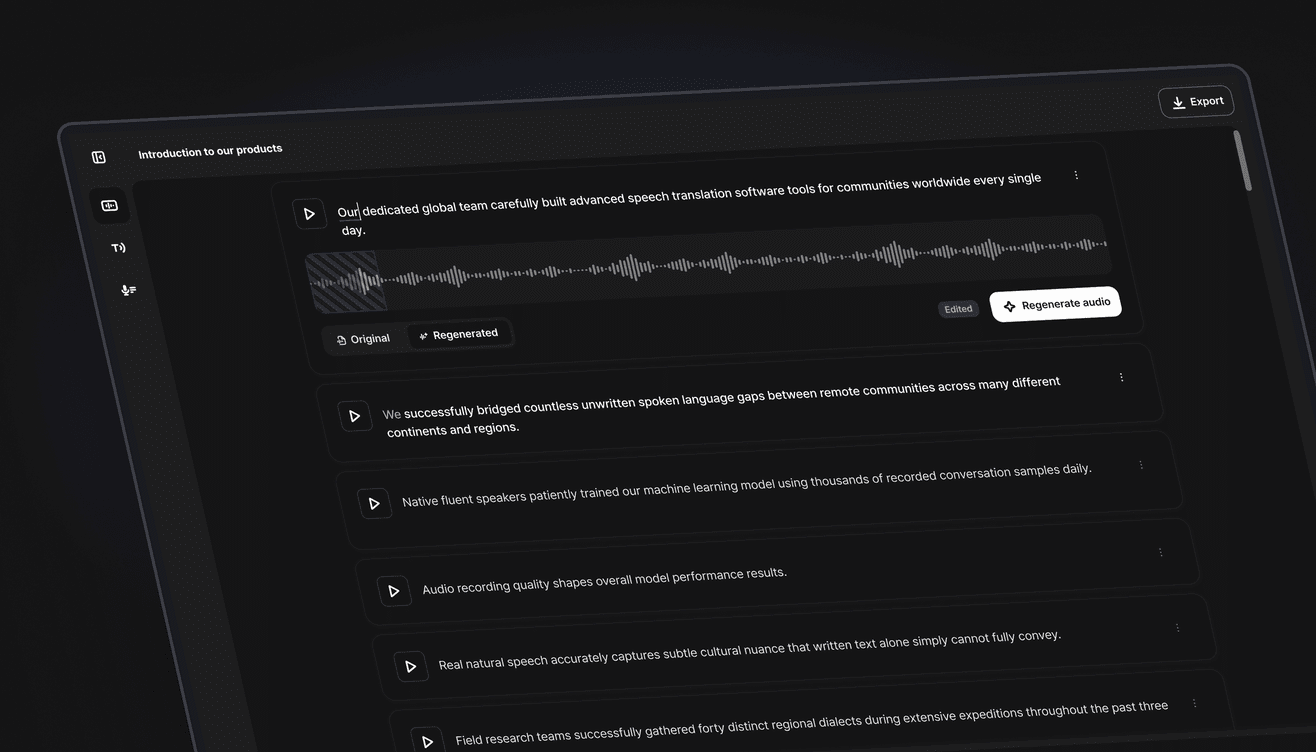
You edit audio the way you edit a document. Upload the file, click the word you want changed in the transcript, type the replacement, and hit regenerate to hear it back in your voice. Video files work as well as audio, and you can record straight into the service. Dragging across several words to fix them at once works just like it does in a text editor. The waveform shows how each edit landed in the audio, and edited words, sentences not yet generated, and freshly generated audio are marked differently, so what you changed stays visible at a glance.
Where it fits
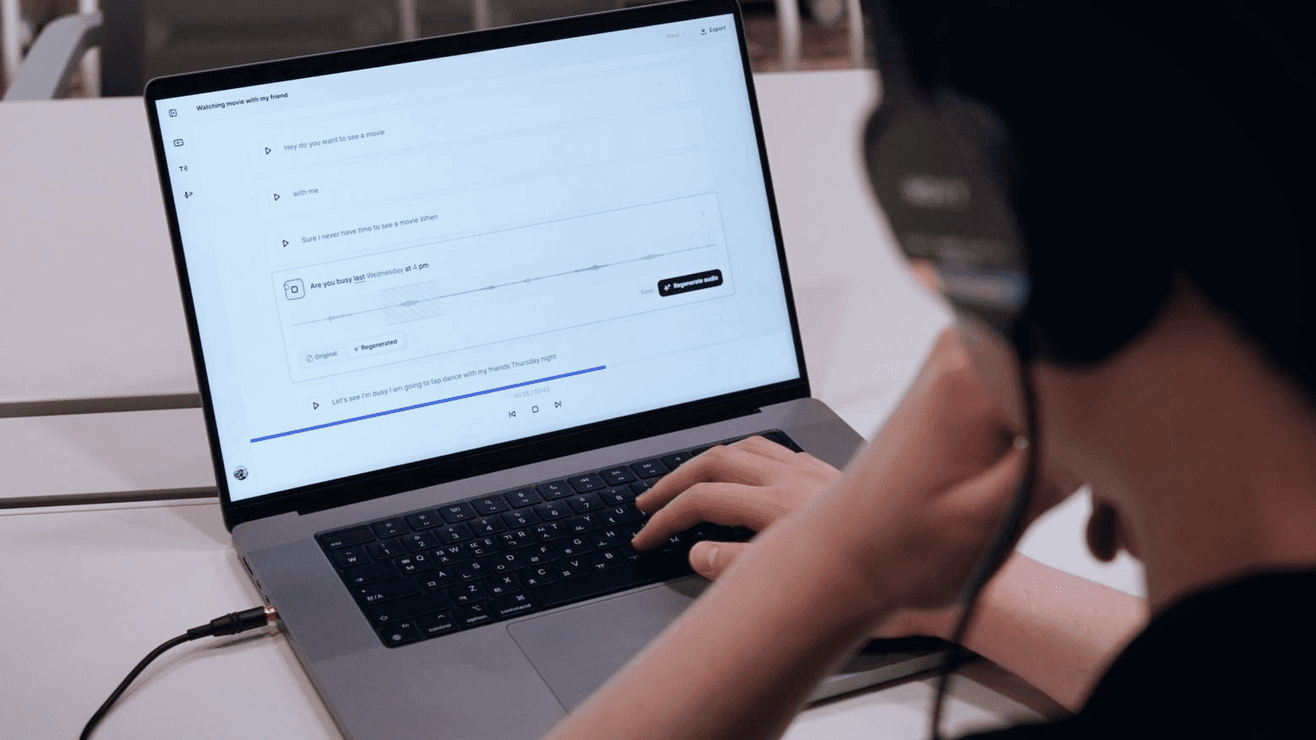
For creators it cuts re-recording. Trim the stumbles and filler out of a YouTube or podcast take, and fix the one word you misread instead of running the whole thing again. For small studios turning out promo, training, and product video, it becomes the production line: when the brief shifts, the take gets fixed on the spot rather than rebooked into a studio. Drama and film production companies use it in place of ADR, editing the recording through text, and push one recording into several languages so the same voice reaches a different market.
Getting started
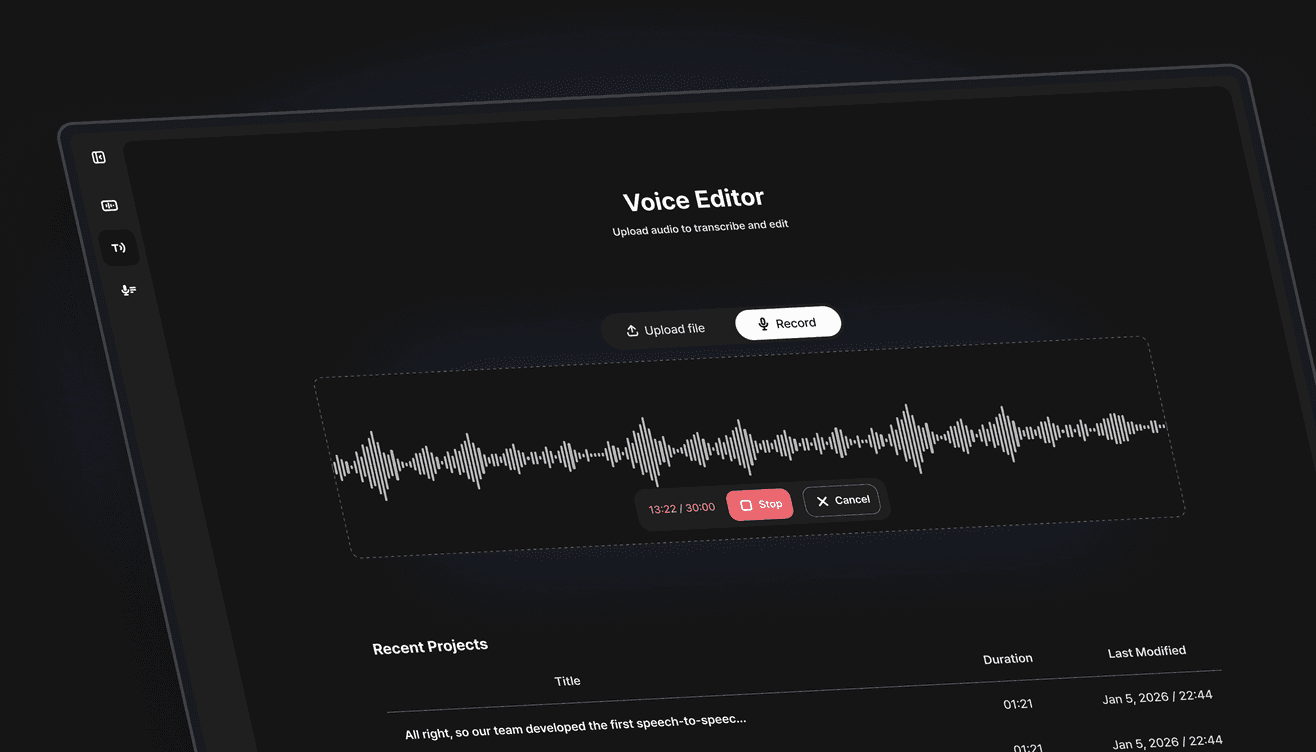
The free plan comes with 9,000 credits a month to try it out. Longer runtimes and lossless WAV export move you up to the Basic and Creator plans, and team-scale work sits on the Business plan with API access. Audio and video upload up to 30 minutes, and Korean and English are supported today. Regenerating the same line gives slightly different takes each time, so run it a few times and keep the one you like. Hit record, put a voice in, start fixing the text.
Read next
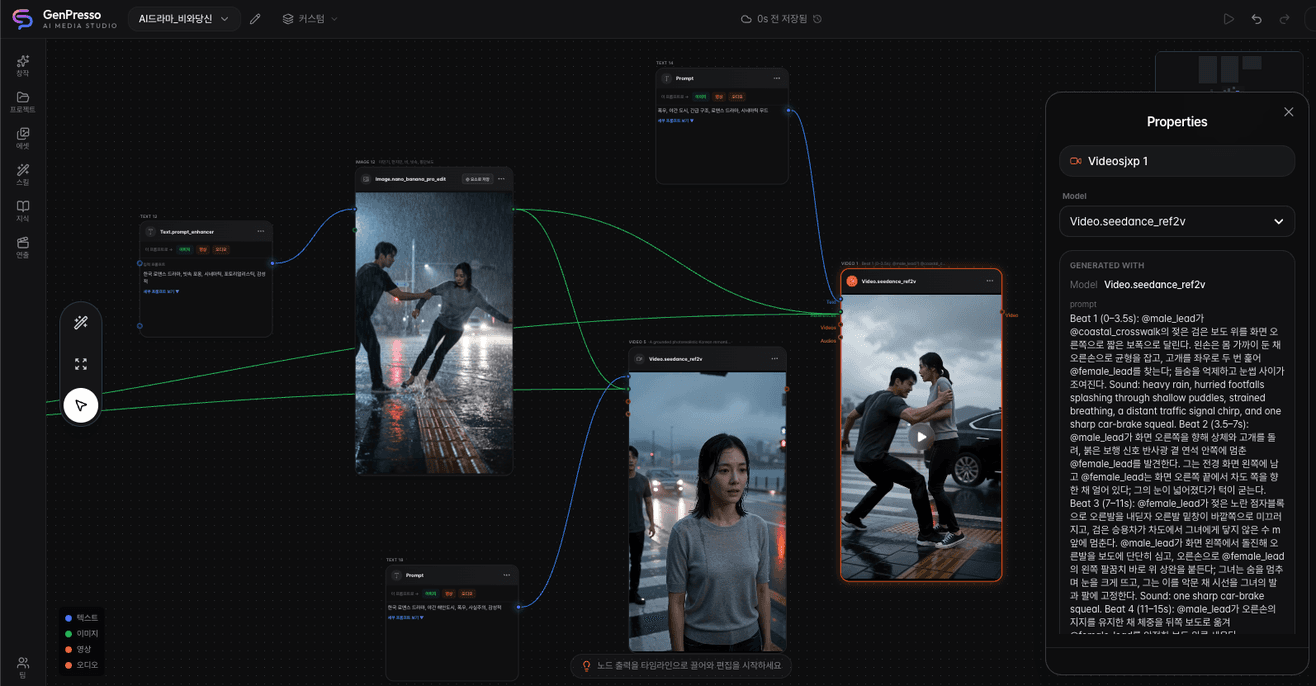
GenPresso: Generate and Edit Video Without Leaving the Screen
An AI video studio that puts model generation and timeline editing in the same project, so a cut never has to be exported to be finished. What it does, how to use it, and where it fits, in two minutes.
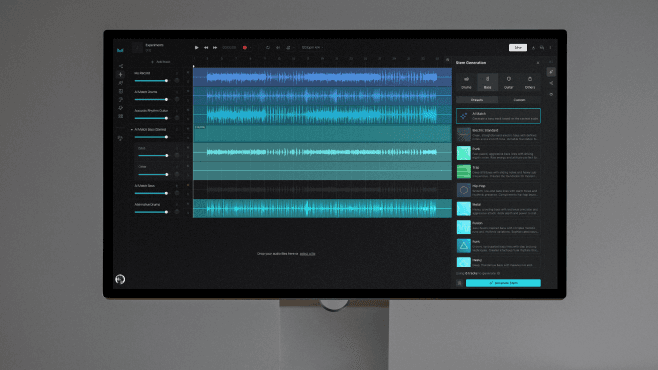
Moises: The AI Tool That Splits a Song Into Tracks
It pulls vocals and instruments apart from one file and reads the chords, tempo, and structure too. A two-minute look at what it is, how to use it, and where it fits.
DailyDaily 10/30: AI games gain a path from creation to commerce as Eros and Fikad build production infrastructure
Xsolla acquired GamePix to connect AI-created games with browser distribution and global payments. Korean startup Fikad launched an agent that plans and produces short videos from a line of text and source materials. Eros Innovation is combining rights-controlled cultural data, digital humans, and real-time production for film, immersive entertainment, and games.